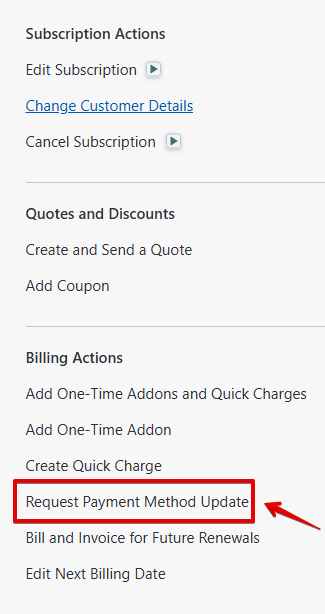
If a customer requests to update their payment details, we can send a link directly to a customers registered email address to update the payment details on the account. To do so Select the 'Request Payment Method update' on the left side of the subscription page.
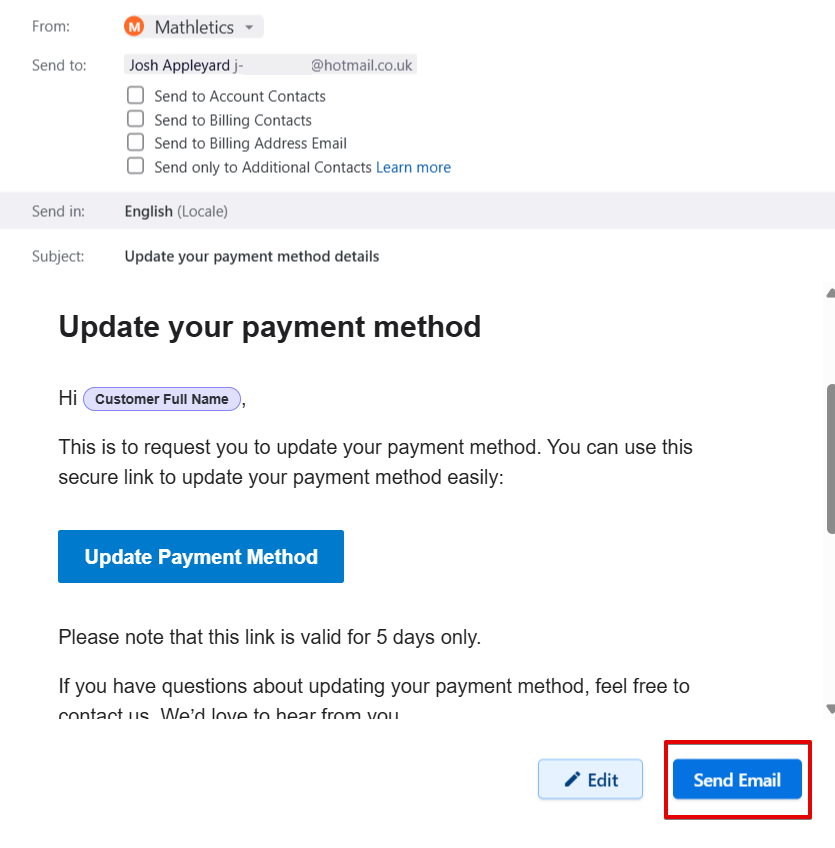
This will load the email below. Confirm the customers details are correct and then click 'Send Email'. The customer can then update their payment details using the link.
Was this article helpful?
That’s Great!
Thank you for your feedback
Sorry! We couldn't be helpful
Thank you for your feedback
Feedback sent
We appreciate your effort and will try to fix the article