Before updating your child’s curriculum please ensure that you have logged out of your child’s profile and are only logged in to your parent account.
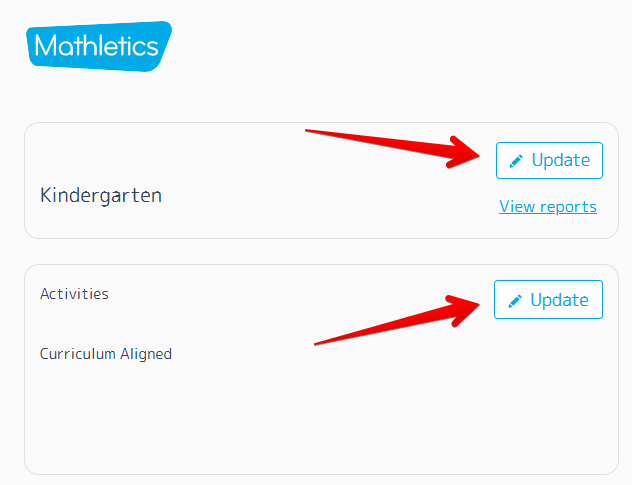
Then, when updating your child’s curriculum you will need to ensure to update both their Grade/Year (top box) and then update the curriculum (bottom box) shown in the image below. Please note that both boxes must match the same year group.
After updating, please allow up to 5 minutes for this to load. You can then log back into your child’s profile and the new curriculum should show.
Was this article helpful?
That’s Great!
Thank you for your feedback
Sorry! We couldn't be helpful
Thank you for your feedback
Feedback sent
We appreciate your effort and will try to fix the article