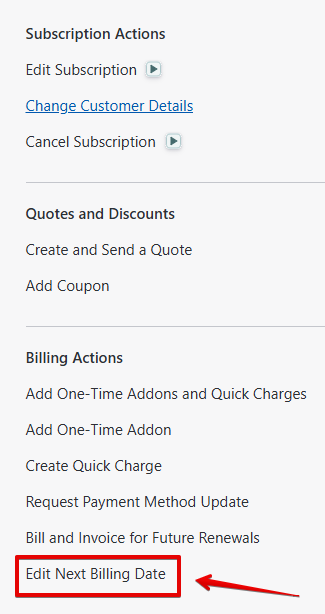
Load the customers subscription and then select the 'Edit next billing date' option to right side of the subscription page at the bottom of the menu.
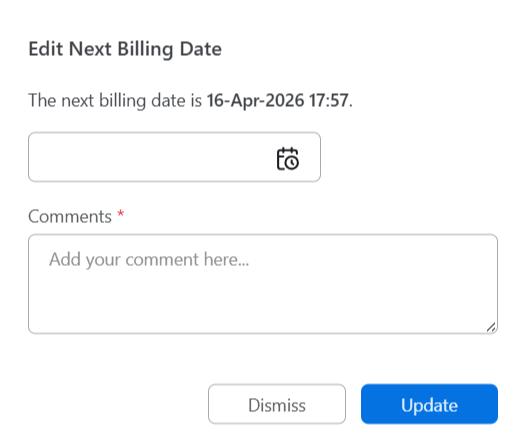
This will load the page below, just select the new date for the next renewal to be taken, add notes and then select update.
Was this article helpful?
That’s Great!
Thank you for your feedback
Sorry! We couldn't be helpful
Thank you for your feedback
Feedback sent
We appreciate your effort and will try to fix the article