The Resources section can be accessed either via your Parent Dashboard or from within the Student Console.
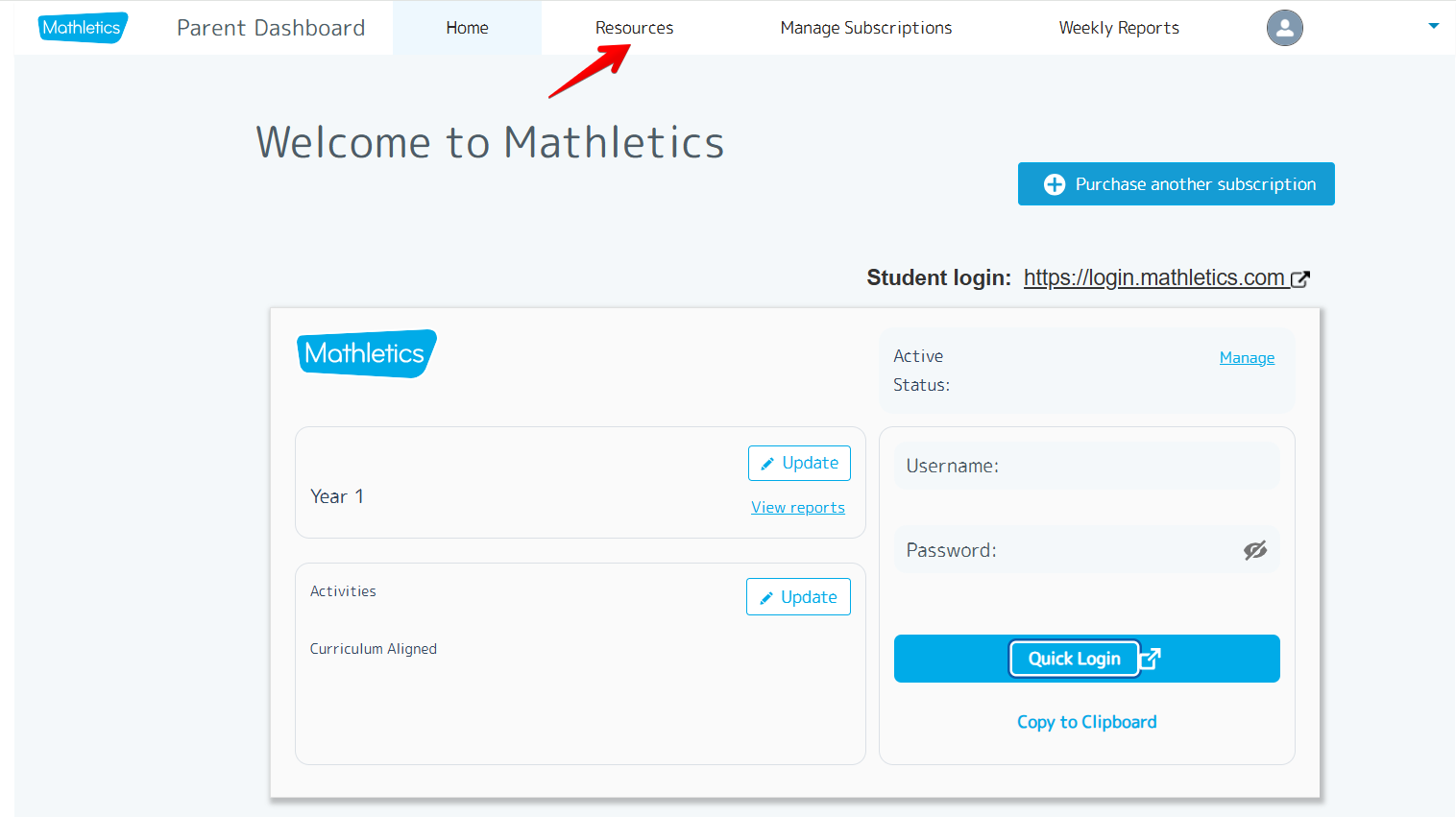
On the Parent Dashboard, Resources is located on the top menu bar. Accessing it directly from the Parent Dashboard will automatically load the workbooks, giving parents straightforward access to the teacher versions.
Resources can also be found on the top menu bar of the Student Console. When accessed through the Student Console, you will see options for Maths A–Z, Videos, and Workbooks.
Was this article helpful?
That’s Great!
Thank you for your feedback
Sorry! We couldn't be helpful
Thank you for your feedback
Feedback sent
We appreciate your effort and will try to fix the article