Student profile login details are located to the left side of a student profile on your Parent Dashboard. These details are used to directly login to each students individual profile from either our website or app.
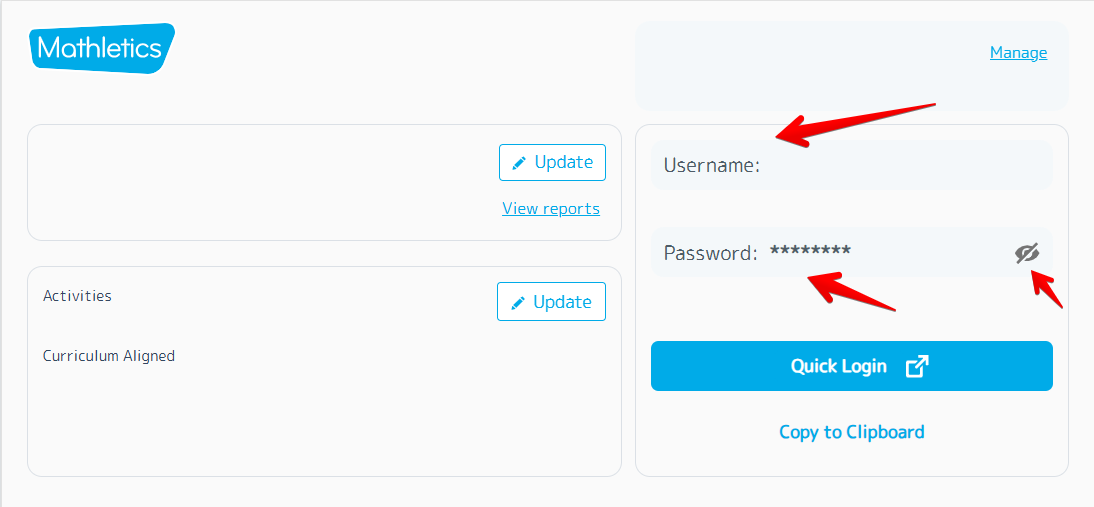
Logging in using student credentials ensures that each student can only access their own profile and are unable to access the account management section provided in the Parent Dashboard.
Was this article helpful?
That’s Great!
Thank you for your feedback
Sorry! We couldn't be helpful
Thank you for your feedback
Feedback sent
We appreciate your effort and will try to fix the article