Certificates are awarded based on achieving 1000 points in a given week.
How do I print student certificates?
- Log in to your child’s student profile.
- On the right-hand side of the student console, click My Awards.
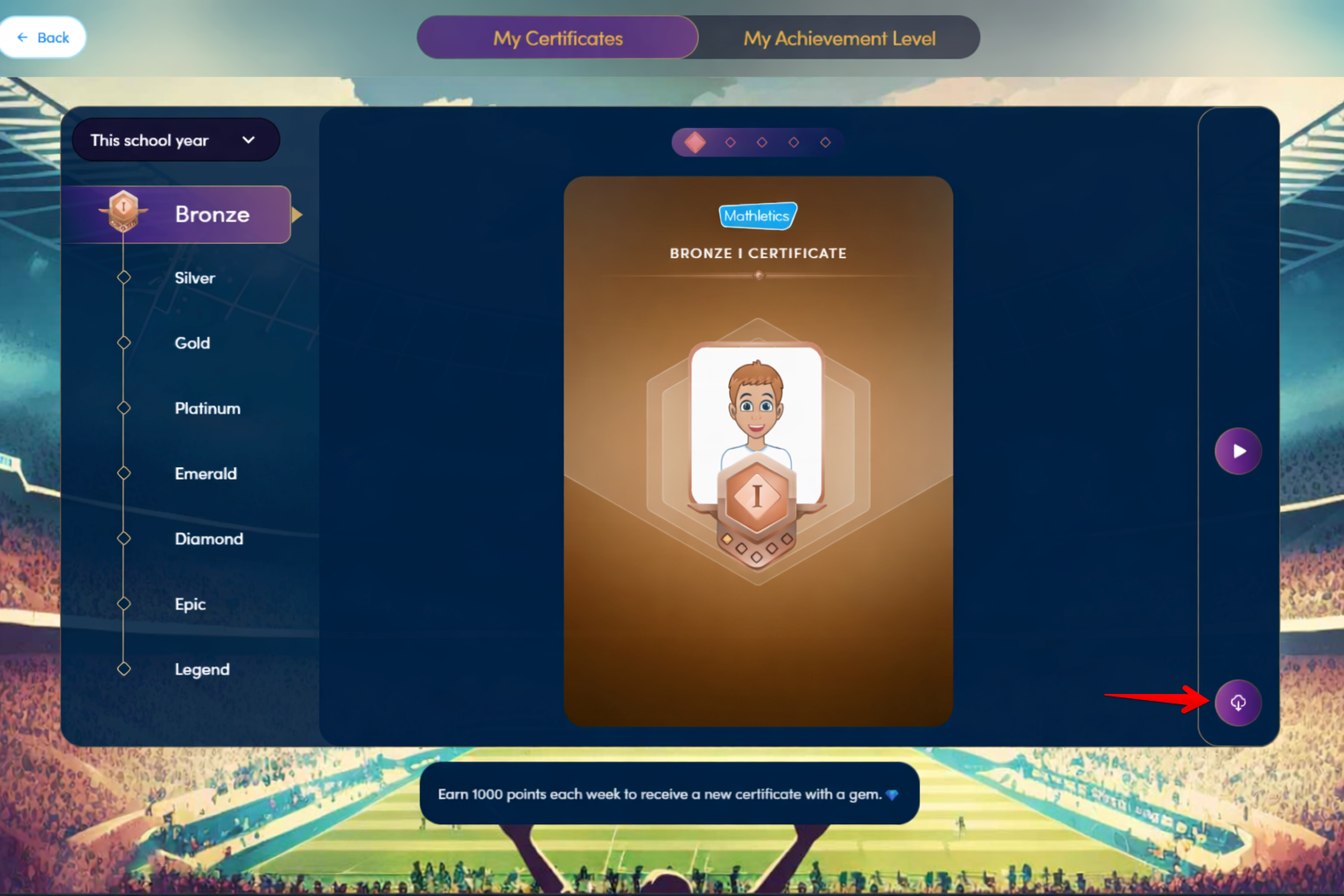
- Select the certificate you wish to download.
- Select the download option in the bottom right corner
- A new window will open, allowing you to view and print the certificate.
Was this article helpful?
That’s Great!
Thank you for your feedback
Sorry! We couldn't be helpful
Thank you for your feedback
Feedback sent
We appreciate your effort and will try to fix the article